Introduction to administration
As a tenant admin you manage ucando for your company – people, roles, requests, models and billing.
This section is for the administrators of a company account. Everything you set here applies to your own company only. In ucando, your company is called a tenant.
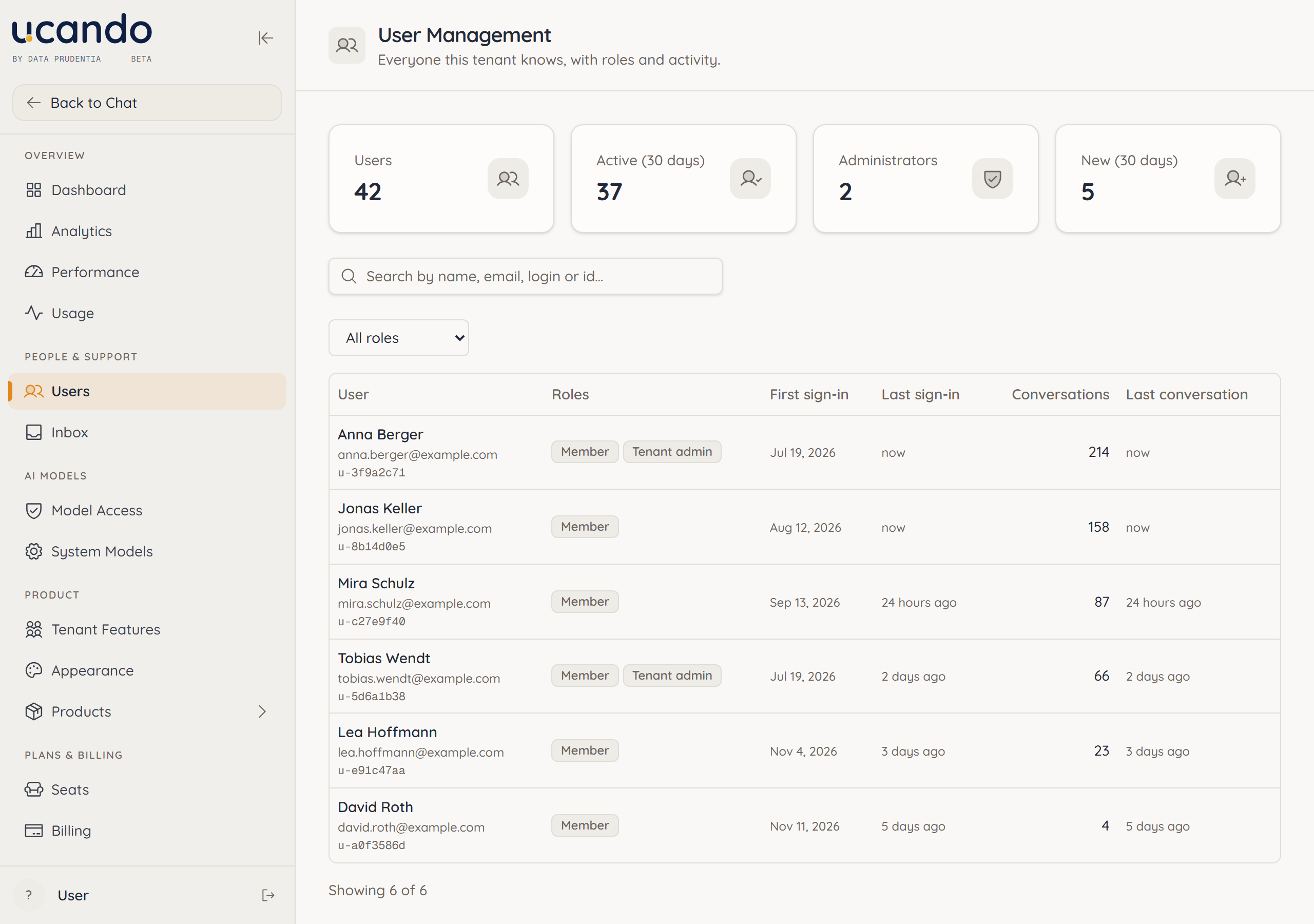
Open the admin area
- Click your name in the bottom left to open the user menu.
- Choose Admin Panel. You also find the entry under Settings → Administration.
You only see this entry if you hold a role with administrative rights. The sidebar only lists the pages your role grants access to. Back to Chat takes you back to the usual interface.
Roles in ucando
Everyone in your company holds at least one role. The role decides what the person may do.
| Role | What it allows |
|---|---|
| Member | Use ucando: chats, files, workspaces, library |
| Tenant admin | Also manage the company: users and roles, requests and messages, model access, features, seats and billing |
The roles Config editor and Admin are reserved for the ucando team. They concern the platform as a whole, not a single company.
The ucando team sets up the first tenant admin when your company account is created. After that you appoint further admins yourself, see Users and roles.
What you do in the admin area
- Users – Find people and grant or remove roles. See Users and roles.
- Inbox – Answer your colleagues' requests and send messages to your company. See Inbox.
- Model Access and Tenant Features – Decide which AI models and features are available in your company. See Models and features.
- Seats and Billing – Assign licences, deactivate accounts and keep an eye on credits. See Seats and billing.
Pages marked Demo do not show real figures yet, and the pages under Products are marked Coming soon. Neither is covered in this documentation.