Privacy and account
View archived conversations, download a copy of your data or delete your account.
You find these functions under Settings → Data controls.
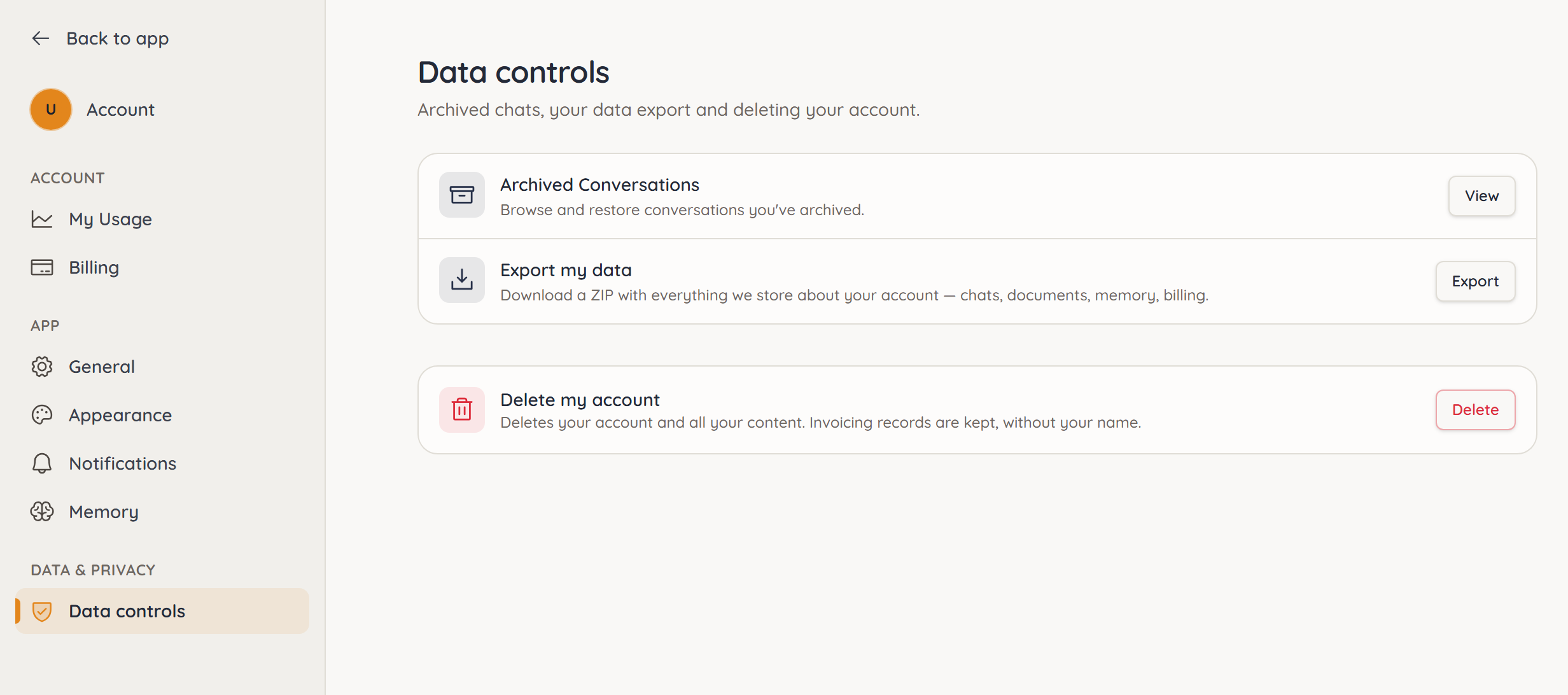
Archived conversations
View opens the Conversations page with your archived chats. There, Unarchive brings a chat back. See Managing conversations.
Downloading a copy of your data
- Next to Export my data, click Export.
- Wait until the download starts. Until then it says Preparing ….
You get a ZIP file with everything we store about your account: profile, conversations, documents with their content, memory, projects, billing, requests and messages, plus your uploaded original files. A README.txt file in the archive explains its structure.
Payment details such as your credit card are held by our payment provider Stripe and are not part of the export. You can see them in the Customer Portal under Billing.
You can request the export up to three times per hour.
Deleting your account
- Next to Delete my account, click Delete.
- Read the notes in the Delete your account? window. You can download an export from there first.
- Click Delete account.
Your account is not deleted right away but scheduled for 14 days. During that time it says Scheduled for …, and you can keep using ucando as usual. Cancel deletion takes the deletion back. Signing in again does not cancel it on its own.
When the period ends, we permanently delete:
- your conversations, documents and memories,
- your projects,
- your profile.
A running subscription is cancelled at that point – not when you schedule the deletion.
Once the 14 days are over, the deletion cannot be undone – not even on request. Download a copy of your data first if you want to keep anything.
One exception is required by law: invoices and usage records are kept for as long as tax and commercial law demands. Your name is removed from them; the amounts remain.