Plans and credits
Which plans there are, what credits are and what happens when they run out.
The plans at a glance
| Free | Pro | Enterprise | |
|---|---|---|---|
| Credits | 1,000 free credits once to start | 50,000 credits per month | individual |
| Chat | ✓ | ✓ | ✓ |
| AI models | a selection of low-cost models | all | all |
| Attaching files in a chat | ✓ | ✓ | ✓ |
| Web search, image generation and Studio | ✓ | ✓ | ✓ |
| Projects | 1 | unlimited | unlimited |
| Files in projects | 3 per project | 100 per project | individual |
| Library | 3 documents | 2 GB | individual |
| Saved memories | 5 | 100 | individual |
| Custom agents | 1 | 25 | individual |
| Support | via Messages | priority | personal account management |
On Free you can try everything; what costs credits, such as web search or images, is capped by the 1,000 starter credits. When you reach a limit, ucando tells you right there and shows See plans. What you already have stays and keeps working.
The table shows the default setup. If you use ucando through your company, your administrators can adjust it.
Pro is available with monthly or yearly payment. With yearly payment you also get 50,000 credits every month. Enterprise is for companies, for example with single sign-on, audit logs, shared credit pools and dedicated hosting. For that, reach us via Contact sales.
Taking out a plan
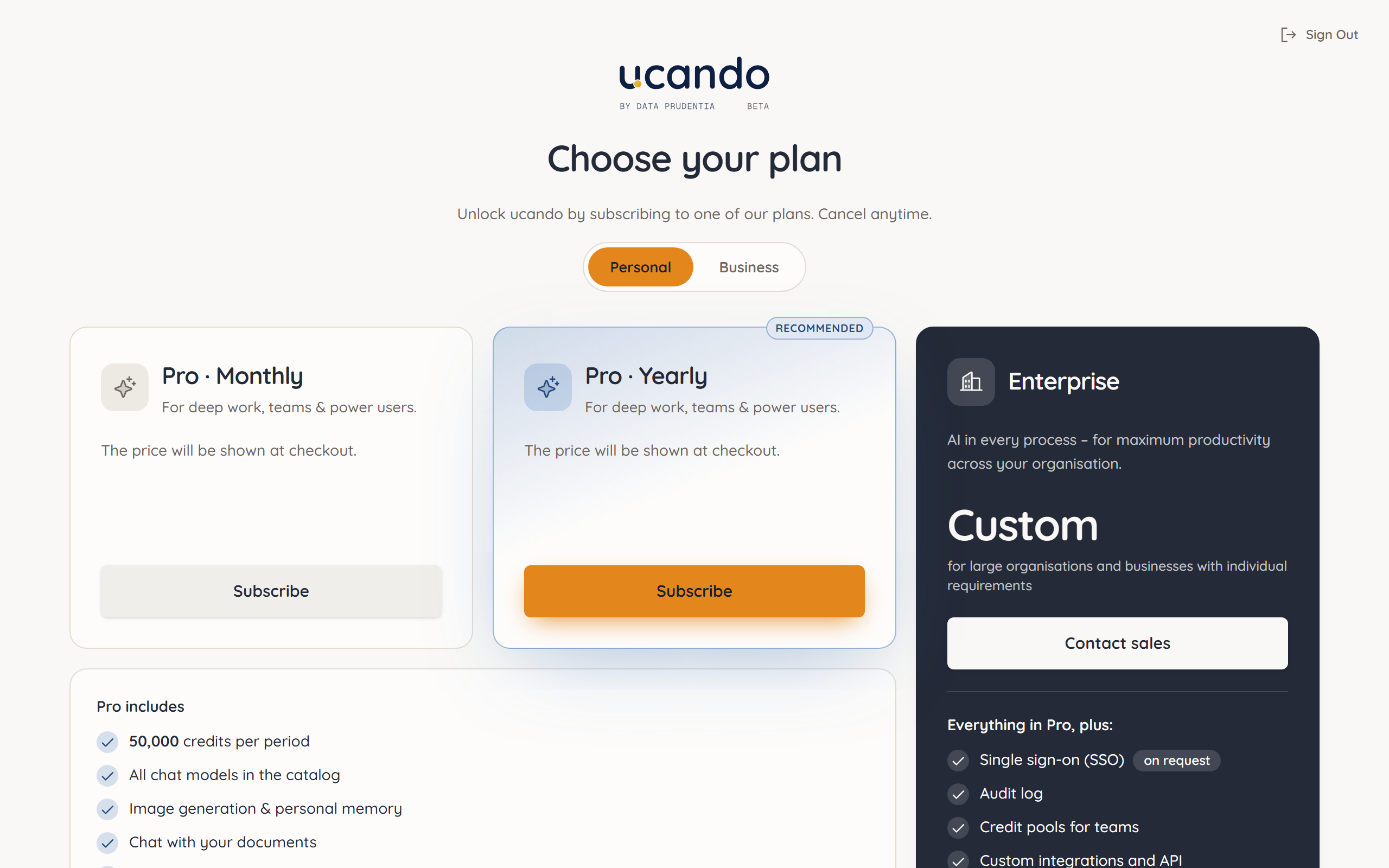
- Click Upgrade plan in the user menu or See plans in a notice. Alternatively, open Settings → Billing and click Subscribe.
- At the top, choose Private or Business. For private customers ucando shows prices including VAT, for businesses excluding VAT.
- Click Subscribe on Pro · Monthly or Pro · Yearly.
- Complete the payment with our payment provider Stripe.
You then return to ucando and see Thanks for your purchase!. The plan is active right away.
Your first purchase decides whether you are billed as a private or business customer. To change it later, contact support. Business customers enter their VAT ID in the checkout.
What are credits?
Credits are the unit ucando bills usage in. Every answer uses credits. How many depends mostly on the model and on how long the question, context and answer are. Web search, image generation and preparing files use credits too.
- Included credits come with your plan. They are topped up at the start of each billing period; unused credits expire then.
- Extra credits are bought separately as packs. They remain valid as long as your account exists and are only used once the included credits are used up.
My Usage shows how many credits you have used. You buy extra credits under Billing.
Cheaper models are often enough for simple tasks. Choose a lower price/performance tier or use Auto. See Choosing a model.
When credits run low
- High pace: If you have used a lot in the last five hours and your allowance won't last until the end of the month at that pace, ucando tells you in the chat. You can keep working.
- Included allowance used up: If you have extra credits, ucando uses them automatically. A notice tells you so.
- No credits left: The chat shows You've hit your monthly limit with the time your allowance restarts. Until then you can buy extra credits.
- Free credits used up: On the Free plan you see Your free credits are used up. See plans lets you choose a plan.